The Honest Guide to Choosing a Website Platform in 2026
From a working web designer who keeps seeing the same three mistakes: people pick a platform that doesn't fit, get blindsided by hidden costs, or chase AI hype without knowing what they're signing up for.
TL;DR
There's no single "best" website platform. Only the best one for your business, budget, and tech comfort.
Here's the quick version of who should pick what:
A coach, consultant, or service business → Squarespace. Polished, professional, scalable, and easy to maintain on your own.
A photographer, designer, or visual creative → Showit or Framer. Built for design-first brands.
A first-time business owner wanting flexibility → Wix. Most forgiving for non-designers.
Selling products as your main business → Shopify. Built for selling. Nothing else comes close.
A course creator or coach already earning → Kajabi for premium, Podia for a starter. Real all-in-one with course delivery.
Tech-comfortable, want a fully custom build → Lovable or Claude Code. Powerful, but with real caveats.
The hidden truth about platform pricing
The price on a platform's pricing page is almost never the full cost. It is not that platforms are being misleading, it is just that what they are quoting is the website subscription alone. Everything else that makes your website look and function professionally, a custom domain, business email, scheduling, email marketing, and payment processing, sits on top of that. A "$16 per month plan" quietly becomes $55 to $75 per month once you add it all up. That is what catches first-time website owners off guard.
This is the TL;DR. If you want the full breakdown, including the hidden costs that catch people out, the honest pros and cons of each platform, and the truth about AI vibe coding, keep scrolling. I've covered 14 platforms in detail below.
What's In This Post
2. The 14 platforms, grouped by type
Classic no-code: Squarespace, Wix, Showit, Hostinger
Open-source: WordPress
All-in-one for coaches and creators: Kajabi, Podia, Systeme.io
E-commerce: Shopify
AI website & Build tools: Durable, Lovable, Claude Code
4. Three mistakes I see constantly
Reading time: about 15 minutes. Skim the TL;DR above if you just need a quick answer.
Why I'm writing this (because the same three things keep happening)
I have been building websites for business owners. Mostly on Squarespace, occasionally on other platforms when the client's needs call for it.
Over the past year, I've watched the same three scenarios play out, again and again, with people who come to me after they've already chosen a platform.
Scenario 1: The hidden cost shock.
Someone signs up for what looks like a $16/month plan. Three months in, they realise they need scheduling, which is another $27/month. Then email marketing, another $30. Then a custom domain that wasn't actually included after Year 1. Then payment processing fees. Their "$16 website" is now $90/month and they feel like they got tricked.
Scenario 2: The wrong-platform regret.
Someone picks a builder because it was cheap, or because a friend recommended it, or because an influencer posted about it. They sign up, and realise how clunky the platform is, and how frustrating it is to make a simple change. Or eighteen months later, they've grown. They're running courses, automated emails, paid ads, and the platform can't keep up. Migrating is painful and expensive. They wish they'd started somewhere else.
Scenario 3: The AI hype rabbit hole.
Someone hears about "vibe coding," the new wave of AI tools that build websites from a sentence, and gets excited. They try Lovable, Replit, or Claude Code, hit a wall, and end up with either a generic-looking site, a credit bill bigger than expected, or the realisation that they actually need a developer for the last 20% the AI can't finish.
I recently attended an AI vibe-coding workshop and built a working website in a single day using Claude Code, GitHub, and Netlify. It was genuinely impressive. But it also confirmed every concern I had about recommending vibe coding to non-technical business owners who want to DIY their website. More on that further down.

This guide is the post I wish every business owner could read before they sign up for the wrong platform. It covers 14 of the most relevant builders in 2026, with honest pros and cons, realistic costs (not just headline prices), and who each platform is best for.
A quick disclosure: As a Squarespace designer, my recommendations naturally lean toward what works for the audience I serve, which is coaches, consultants, service businesses, and personal brands. I've flagged throughout where I've personally tested versus where I'm relying on research. The goal isn't to push any single platform. It's to help you avoid the three scenarios above.
Let's dive in.
✧
The 14 Platforms, Grouped by Type
Before the deep dive, here's the overview. I have split the website builder landscape into six distinct categories, and the right platform for you depends partly on which category fits your business model.
Category 1: Classic No-Code Builders
Drag-and-drop or visual website builders with templates, hosting and an editor bundled together. These are the mainstream choice for most small businesses and service providers who want a professional website without touching code.
Squarespace: Polished templates, best for service businesses
Wix: Most flexible, biggest app store
Showit: Drag-anywhere design freedom, often paired with WordPress for blogging
Hostinger: Budget-friendly option with hosting included
Category 2: Designer-Grade Platforms
More flexible and design-led than classic no-code builders. These platforms are better suited for businesses that want polished layouts, custom interactions, and more control over the final visual experience.
Webflow: Visual builder with developer-grade output
Framer: Design-led builder for polished marketing sites, landing pages and interactive experiences
Category 3: Open-Source Platforms
More flexible and extendable, but also more technical to set up and maintain. Best for businesses that want flexibility, content control and long-term extensibility, and are comfortable managing more moving parts or hiring technical support.
WordPress: The 43% of the internet you've heard about
Category 4: All-in-One Platforms for Coaches and Course Creators
Website plus courses plus email plus payments plus scheduling, all in one subscription. Built specifically for knowledge businesses.
Kajabi: The premium choice
Podia: The simple, beginner-friendly option
Systeme.io: The budget powerhouse with a real free plan
Category 5: E-commerce-First
For businesses where selling products is the main event. These platforms are strongest when you need product pages, checkout, inventory, shipping and commerce operations.
Shopify: The industry standard for e-commerce
Category 6: AI Website and Build Tools
Prompt-based tools that use AI to help generate websites, landing pages or app-like experiences. Some are beginner-friendly and focused on speed, while others are more advanced and closer to software-building tools.
Durable: Fastest for simple AI-generated service business websites
Lovable: Vibe-code tool for generating websites and app-like experiences from prompts
Claude Code: Developer-facing AI coding agent, not a typical website builder
Note: These tools are exciting, but they are not all the same. Durable is closer to an AI website generator, Lovable is closer to an AI app builder, and Claude Code is more of a developer tool.
| # | Platform | Category | Min monthly | Realistic monthly | DIY difficulty | Best for |
|---|---|---|---|---|---|---|
| 1 | Squarespace | Classic no-code | $16 to $23 | $40–$55 with add-ons | Very easy | Coaches, consultants, service businesses |
| 2 | Wix | Classic no-code | $17 to $29 | ~$38 with add-ons | Very easy | Beginners wanting flexibility |
| 3 | Showit | Classic no-code | $22 to $27 | $35–$52 | Easy with learning curve | Photographers, designers, creatives |
| 4 | Hostinger | Classic no-code | $2.99 intro | $11.99+ at renewal | Easy | Tightest budgets only |
| 5 | Webflow | Designer-grade | $14 to $25 | ~$50 | Steep | Design-led brands with budget |
| 6 | Framer | Designer-grade | $10 to $30 | ~$35 | Moderate | Aesthetic-conscious modern brands |
| 7 | WordPress.org | Open-source | $0 software | $35–$55 with hosting, themes, plugins | Steep | Power users, scalers |
| 8 | Kajabi | Coach all-in-one | $143 to $199 | Same + 0.5 to 2% fees | Easy but heavy | Established coaches |
| 9 | Podia | Coach all-in-one | $42 to $84 | Same | Very easy | First-time creators |
| 10 | Systeme.io | Coach all-in-one | Free to $17 | $9 to $23 | Easy | Budget validators |
| 11 | Shopify | E-commerce | $29 to $79 | ~$38–$40 (minimal apps setup) | Easy | Product-first businesses |
| 12 | Durable | AI tool (generator) | $22 | Same | Very easy | "I need a site yesterday" |
| 13 | Lovable | AI tool (vibe-code) | Free to $21 | Credits add up | Moderate | Tech-curious founders |
| 14 | Claude Code | AI tool (developer) | $17 | ~$35 (includes hosting) | Developer-level | Developers only or tech-savvy founders |
✧
Platform Deep-Dives
Each profile follows the same structure. What it is, what it really costs, balanced pros and cons (including the regrets I keep hearing), and who it's actually for.
Note: All prices are in USD, based on annual billing, and are accurate as of 3 July 2026.
Classic No-Code Plaftforms
1. Squarespace
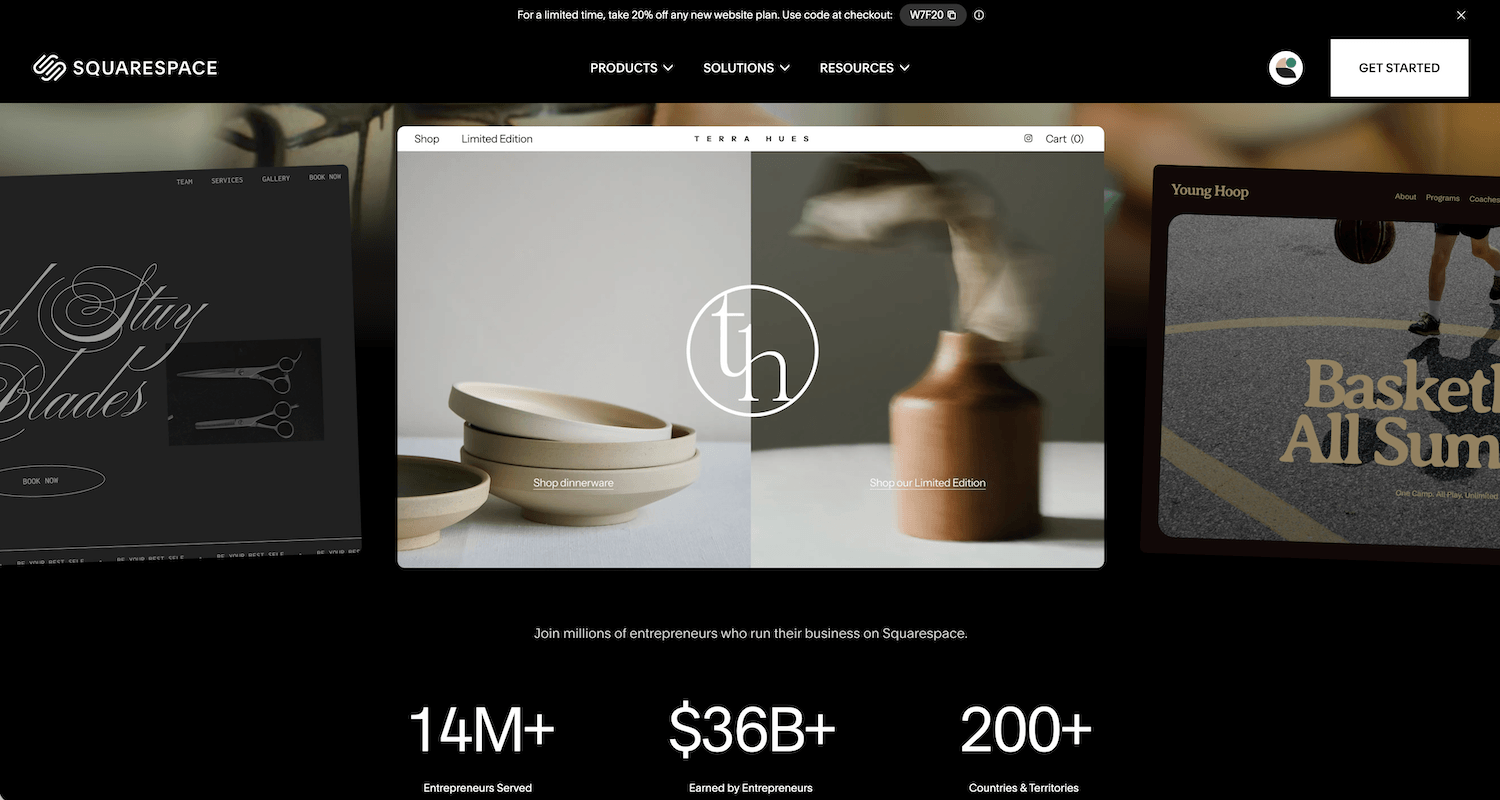
What it is: Squarespace is the platform I use the most, and honestly, I think it is the best fit for most service businesses, like coaches, consultants, photographers, therapists, and designers. The templates are genuinely beautiful out-of-the-box, giving you a great starting point, the editor is straightforward to use, and the platform covers the basics a small business needs: scheduling, courses, a members area, a shop, invoicing, email marketing, and analytics, all under one roof at a sensible starting price.
It is not the most flexible platform on this list. But for most people reading this, flexibility is not what they need. They need something that works without always having to hire a developer.
Pricing: $16/month for Starter, $23/month for Core, $39/month for Plus (annual billing)
Realistic cost: The $16 Starter plan works for a simple portfolio, but if you are running a real service business, Core is usually where you end up. It adds advanced analytics, custom code capability, and a free year of Google Workspace. That last one is worth noting. Most platforms charge you for business email from day one, and Squarespace Core gives you a year free. Realistic monthly for a coach:
Core plan: $23
Acuity Scheduling: $16 to $49 (separate subscription)
Email Campaigns: $7 to $68 (separate, if you upgrade from free)
Google Workspace after Year 1: $8 to $16
Realistic monthly: $40 to $55
✅ Pros:
Beautiful out of the box, with 200 professional templates ready to use
Best blogging experience of all the classic builders
Native Acuity Scheduling is an industry-leading tool for client bookings
Core plan removes the 2% e-commerce transaction fee that applies to the Basic plan
Your business can sit under one platform, domain, hosting, scheduling, email, site, meaning fewer logins to manage
Strong SEO fundamentals built in by default
Automatically mobile-responsive, no separate mobile design needed
❌ Cons / Why people regret it:
The add-on shock. Most clients budget for "$16/month" and are stunned when they realise Acuity and email are separate subscriptions, and the domain is only free for the first year
The Basic plan carries a 2% e-commerce transaction fee. Sell a $500 programme and you lose $10 per sale before payment processing
Less design flexibility than other drag-and-drop builders. Squarespace works on a grid system, so you do not have complete design freedom, though you can overcome a lot of this with creativity. Heavy customisation requires custom code, available on Core and above
No free tier, only a 14-day trial
The "Squarespace look" is a known thing. Sites end up looking similar without proper customisation effort
Native Email Campaigns covers the basics but is not as powerful as Kit or Klaviyo for serious marketers
Who it's best for: Coaches, consultants, wellness providers, photographers, and service businesses where booking and polished aesthetics matter more than e-commerce depth.
Full disclosure: this is what I build my client sites on. The platform isn't perfect, but for the audience this post is written for, it's the most reliable default I keep coming back to.
2. Wix
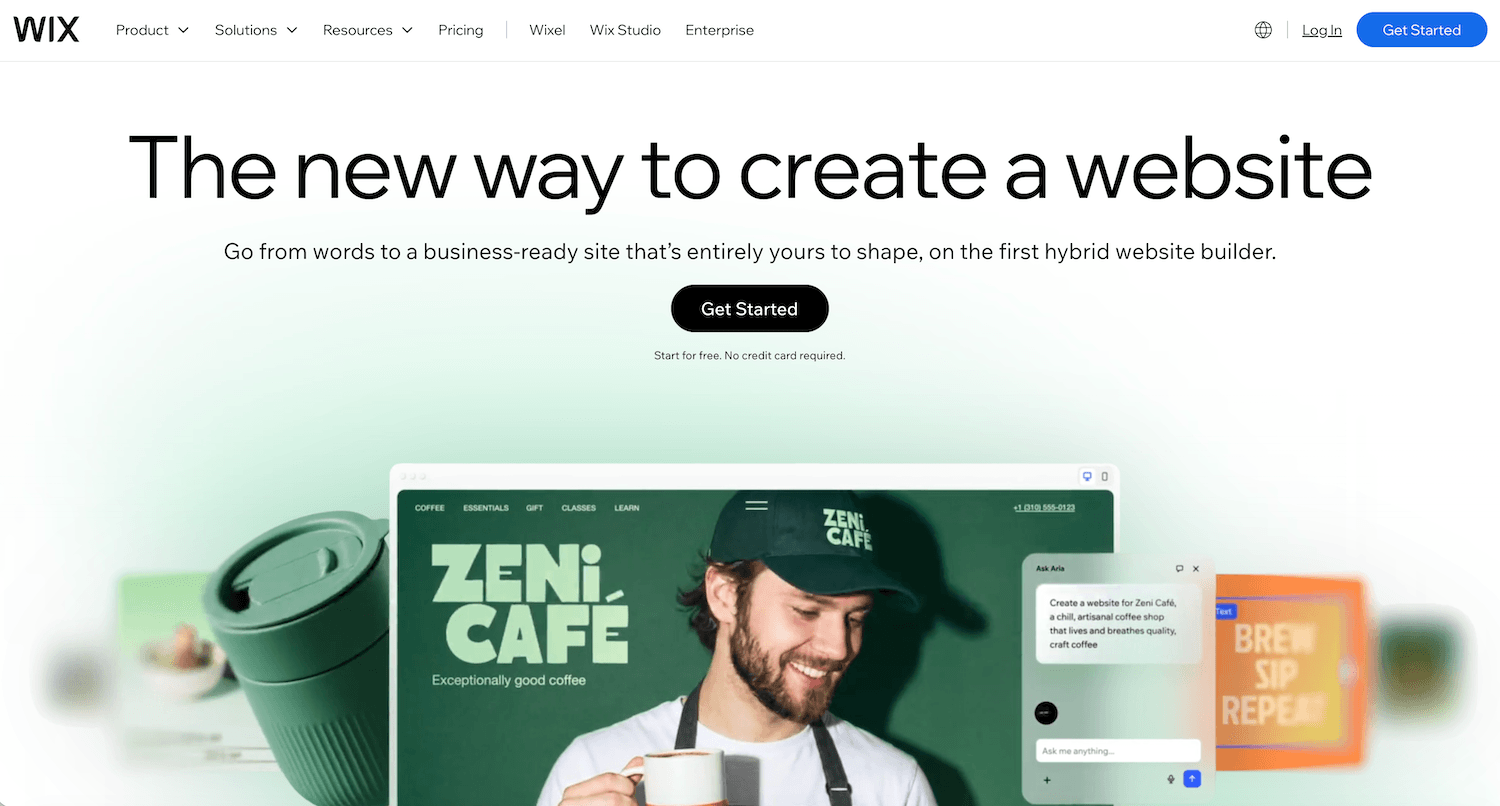
What it is: Wix is the most popular drag-and-drop website builder in the world, with 44% of the hosted website builder market and over 280 million registered users. Over 2,000 templates, a large app marketplace, built-in tools for blogs, bookings, and basic e-commerce, and a genuinely useful AI builder for getting a first draft off the ground quickly. On paper, it does more than Squarespace out of the box.
But in practice, I find it slightly harder to produce a clean, professional result on Wix than on Squarespace. The freedom it gives you is real, but too many choices without a clear design direction is how you end up with a site that looks busy, inconsistent, and unfinished. That said, for the right person, it can be a strong platform.
Pricing: $17/month for Light, $29/month for Core, $36/month for Business (annual billing).There is also a free plan but you need at least Light to remove Wix branding and at least Core to accept payments.
Realistic cost: Wix Bookings is included on Core and above, which is a genuine saving compared to platforms where scheduling is a separate subscription. Realistic monthly for a service business:
Core plan: $29
Wix Bookings: included
Google Workspace business email: $7
Domain renewal: approx $2
Realistic monthly: $38 to $45
That is more honest than the $17 entry price suggests. Most serious business owners land on Core or Business within the first year.
✅ Pros:
Most flexible drag-and-drop builder on the market. You can place any element anywhere on the page, which Squarespace does not allow
Over 2,000 templates covering every industry you can think of
Built-in scheduling via Wix Bookings, included at no extra cost from Core onwards
A genuinely useful AI builder for generating a first draft of your site layout and copy
Large app marketplace fills feature gaps including CRM, live chat, and advanced forms
Strong customer support, with phone support available on higher plans
❌ Cons / Why people regret it:
You are locked in. Unlike WordPress, you cannot export your Wix site and take it elsewhere. If you outgrow the platform, you are rebuilding from scratch, not migrating
The design ceiling is good, not great. Most professional designers can spot a Wix site quickly, and the aesthetic tends to read as "small business" rather than premium
The flexibility is a double-edged thing for beginners. Too many layout choices with no guiding constraints often produces cluttered, inconsistent results
The free plan displays Wix branding and is not a viable option for a real business
Apps add up faster than people expect. Features that feel like they should be standard, such as advanced booking flows, multi-step forms, or certain CRM tools, often require paid apps at $5 to $100 per month each
Page load speeds tend to be slower than Squarespace or Framer, which can affect SEO performance
Who it's best for: First-time business owners who want layout flexibility, are comfortable making a lot of design decisions, and want scheduling, a shop, and a blog all in one editor without managing separate tools.
Full disclosure: I have built sites on Wix when clients are already on the platform and want to stay. My honest take is that it is a capable platform that rewards people who know what they are doing and punishes people who do not. If you are not confident with design decisions, the structure Squarespace imposes is actually a feature, not a limitation.
3. Showit
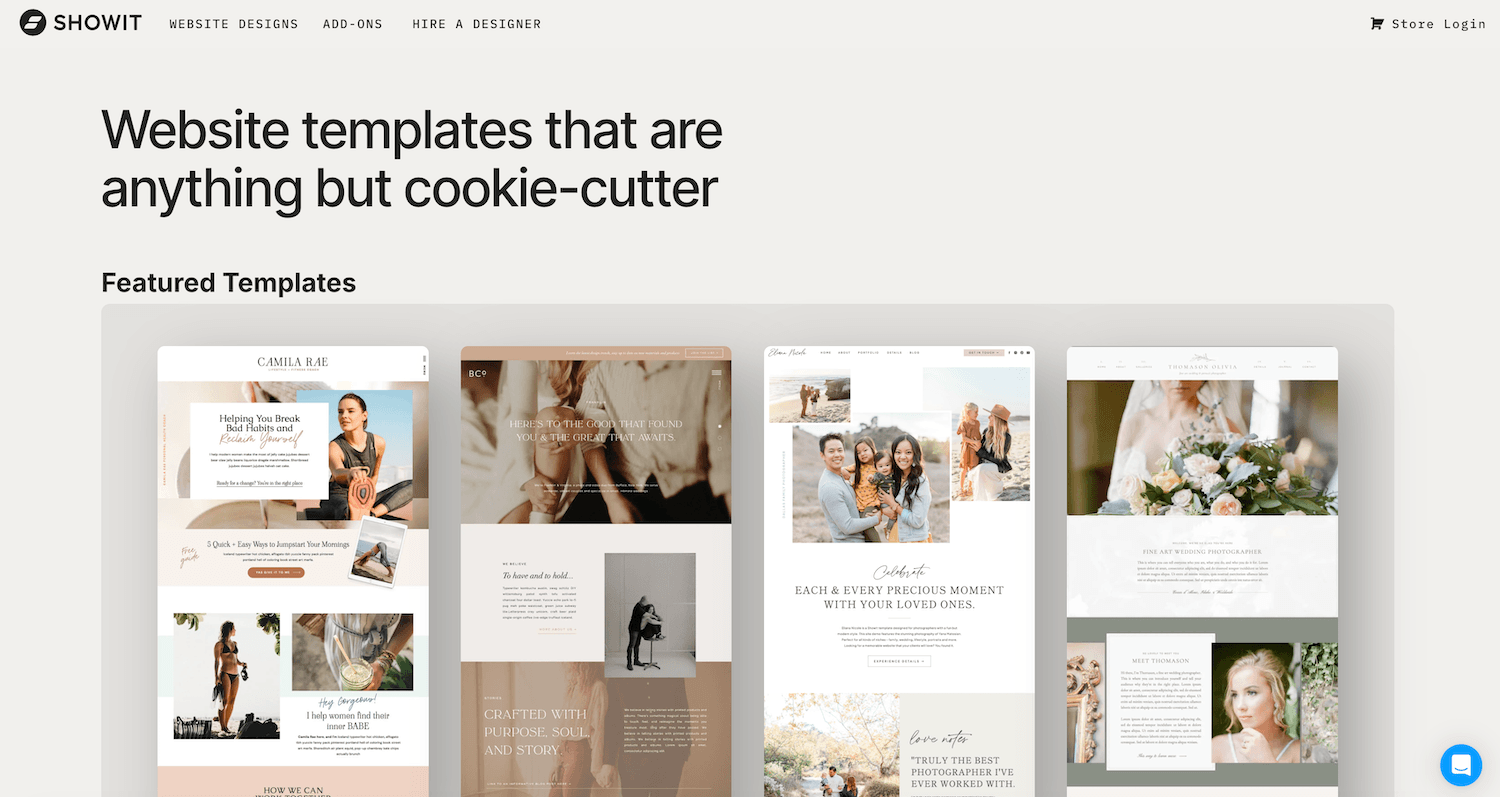
What it is: Showit is the closest thing in this list to designing in Canva. It is a drag-anywhere canvas builder with no grid constraints, no columns, no sections, just total visual freedom over every pixel. Higher tiers integrate a WordPress blog, which is a smart pairing: you get Showit's design flexibility on the front end and WordPress's SEO infrastructure behind the scenes.
I have not built on Showit myself, so I want to be upfront about that before going any further. What I know comes from testing, reviewing other websites, and paying attention to what the platform's users say. The consensus from people who use it deeply is that it rewards patience and has a strong community of designers building genuinely distinctive work on it.
Pricing: $22/month for no blog, $27/month for Basic Blog, $39/month for Advanced Blog (annual billing). Most service businesses land on the $27 or $39 tier.
Realistic cost: Unlike Squarespace, Showit does not bundle scheduling or email marketing, so those come on top. Realistic monthly for a photographer or creative:
Basic Blog plan: $27
Acuity Scheduling or Calendly Standard: $16
Google Workspace business email: $7
Domain renewal: approx $2
Realistic monthly: $45 to $55
✅ Pros:
Total design freedom. Your site genuinely will not look like anyone else's, which matters more than people admit in a saturated market
The WordPress blog integration on higher tiers is a real differentiator — you get Showit's visual design paired with WordPress's SEO engine, which is a combination most builders cannot match
Hosting is included, with no separate hosting bill or server management
Live chat support is frequently cited as one of the best in the industry
You design mobile and desktop versions independently, giving you full control over how each looks rather than accepting whatever the builder decides for you
Strong marketplace of third-party templates from independent designers, so the starting points are often more distinctive than what you find on Squarespace or Wix
❌ Cons / Why people regret it:
No native e-commerce. You need the Advanced Blog tier and the WooCommerce plugin to sell anything, which adds cost and complexity
No native scheduling or email marketing. You will be adding tools like Acuity and Kit on top, which is fine but means more to manage
Designing mobile and desktop independently is powerful, but it also means twice the work. For someone maintaining their own site, that time adds up
Total design freedom is a double-edged thing. With no constraints guiding your decisions, beginners often end up with layouts that look overworked rather than polished
Smaller ecosystem overall. Fewer tutorials, fewer designers to hire if you need help, and less community knowledge to draw from compared to Squarespace or Wix
Who it's best for: Photographers, designers, wedding professionals, and personal-brand coaches whose site needs to look visually distinctive and who are either willing to learn the tool deeply or can afford to hire a Showit designer.
Full disclosure: I have not built on Showit and this section is based on testing, reviews, and what I hear from designers who use it regularly. If you are seriously considering Showit, I would recommend looking at work from designers in the Showit community before deciding.
4. Hostinger
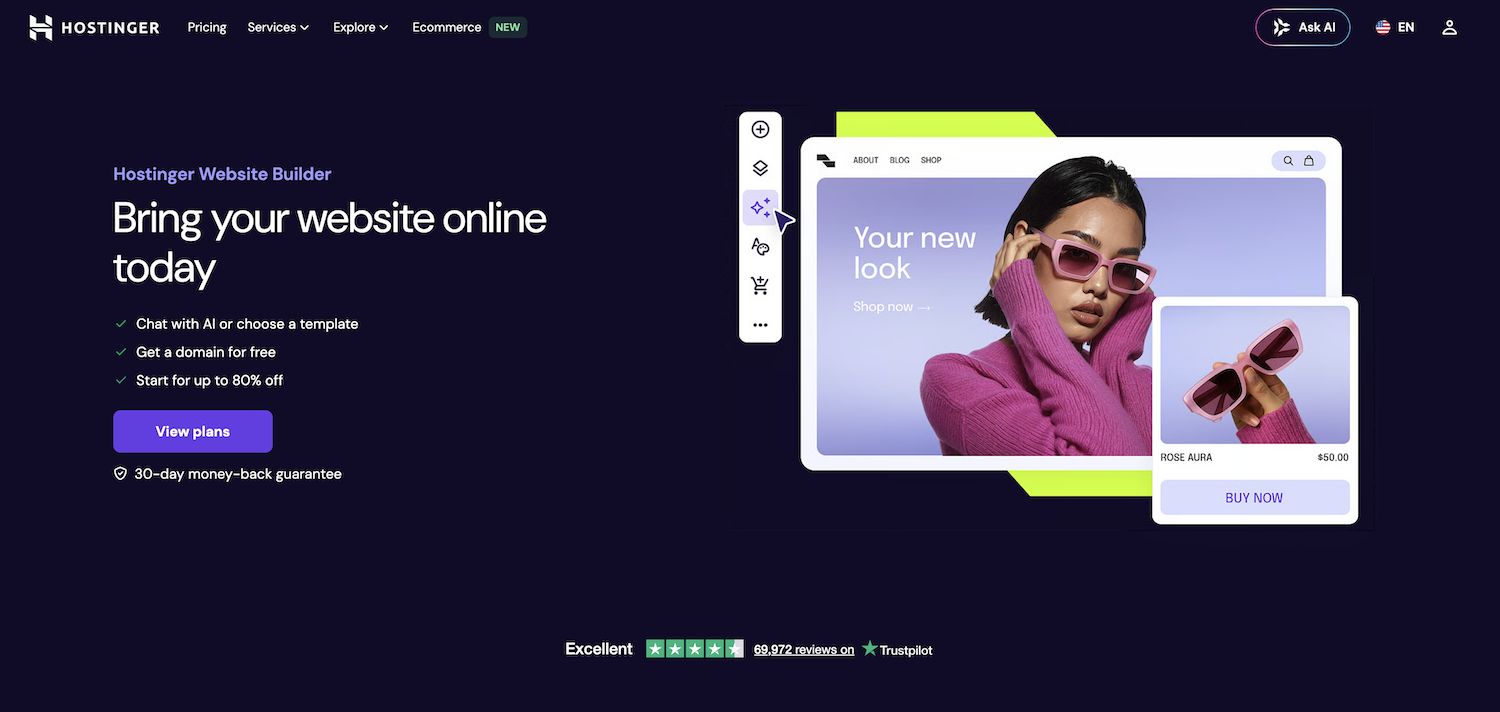
What it is: Hostinger is the budget platform you have most certainly heard of, everywhere from YouTube sponsorships to podcast ads to Reddit. It includes a free domain for Year 1. It is primarily a hosting provider, that also has a basic drag-and-drop website builder. So most people use Hostinger to host their websites that they built elsewhere, like Wordpress.
The platform is worth understanding honestly, because the pricing model is more complicated than the headline number suggests, and it attracts a lot of first-time buyers who might not realise what they are committing to.
Pricing: $2.99/month intro price on a 48-month commitment. Renews at $11.99/month from Year 5. Business email is free in Year 1, then $2.99/month at renewal.
Realistic cost: The intro price requires paying four years upfront, around $192 total. That is genuinely cheap. The issue is Year 5, when renewal kicks in at $11.99/month. Realistic monthly:
Unlimited plan renewal: $12
Business email after Year 1: $3
Domain renewal: approx $2
Year 1 to 4 realistic monthly: approx $4 to $5
Year 5 onwards realistic monthly: approx $22
✅ Pros:
Cheapest serious option on the market right now
Everything bundled together: hosting, builder, AI, free domain for Year 1
AI builder is decent for the price
Decent template library for a budget builder
Includes basic e-commerce on the Business plan
30-day money-back guarantee, so testing is risk-free
Multilingual support, useful if you serve non-English markets
❌ Cons / Why people regret it:
The renewal cliff. You pay 4 years upfront at $2.99/mo, then Year 5 onwards costs 3 to 5 times more. Most people don't budget for this
You're locked in. Hostinger Website Builder is a closed platform you cannot easily export from
Low feature ceiling, with limited customisation, weak business features, and no native email marketing
Templates and AI output are functional but generic. Your site won't stand out
No Payment Card Industry (PCI) compliance flagged in some reviews, which makes it questionable for serious e-commerce
Customer support is reportedly slower on cheaper plans
Migration tools are weak if you ever want to leave
Who it's best for: Very simple brochure sites where the job is showing contact information and opening hours. Local businesses and tight budgets where a web presence matters more than what the site can do.
Who it's not for: Anyone building a coaching practice, selling courses, or planning serious content marketing. You will outgrow it within a year, and starting over on a better platform costs more than starting right the first time.
Full disclosure: I haven't built on Hostinger personally. This is based on testing reviews and reputation.
Designer-Grade Platforms
5. Webflow
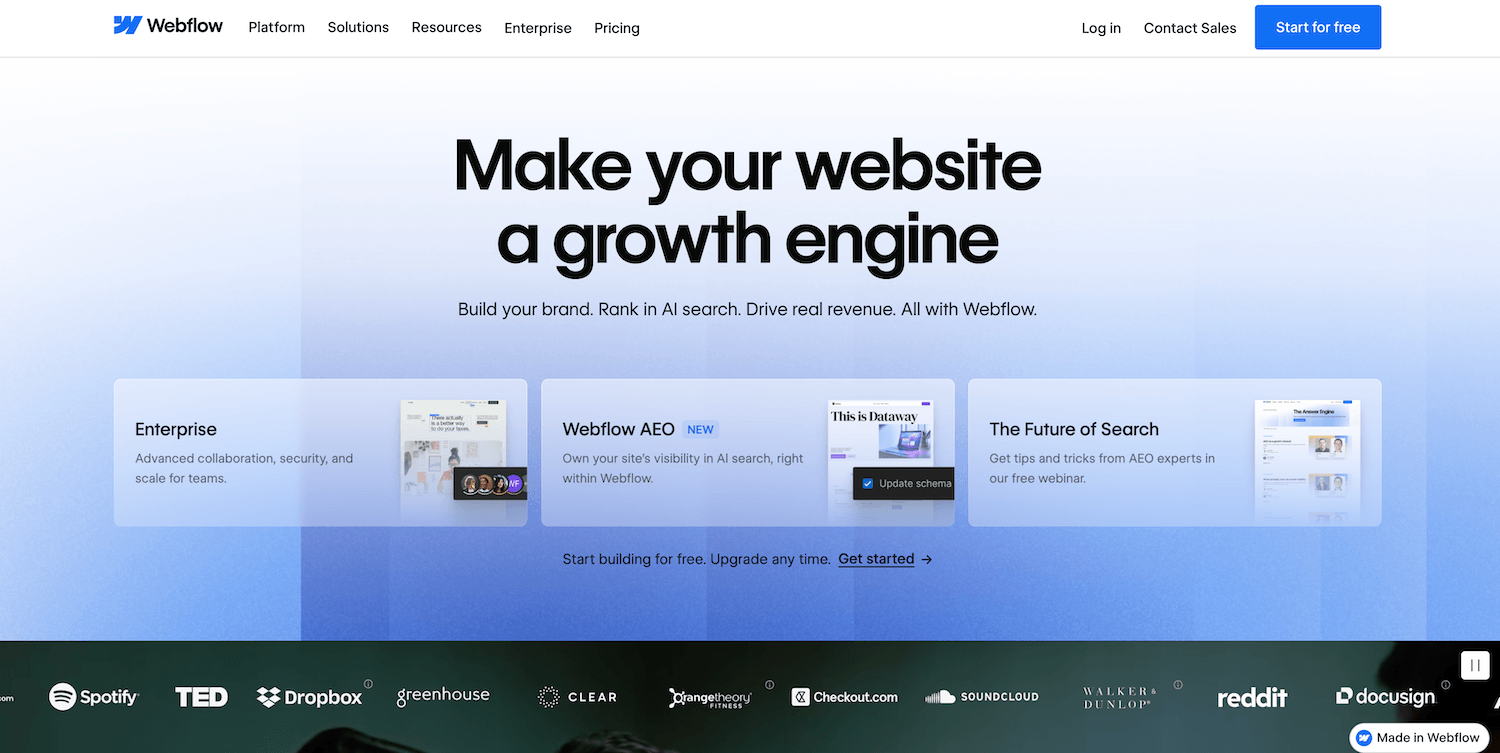
What it is: Webflow sits in an unusual position on this list. It is technically a no-code builder, but using it well requires you to think in HTML and CSS even if you never write a line of either. The output is clean, professional-grade code that loads fast and performs well in search. It is the platform design agencies reach for when a client wants something genuinely bespoke.
I want to be direct about something before the pros and cons: if you are reading this as a coach, consultant, or small business owner planning to build your own site, Webflow is almost certainly not for you. That is not a criticism of the platform. It is just honest about what it is and who it rewards.
Pricing: $14/month for Basic, $25/month for Premium (the combined CMS and Business plan introduced in May 2026), e-commerce plans from $29/month. Workspace seat pricing of $19 to $49/month per collaborator applies if you are working with a team.
Realistic cost: Most Webflow sites are agency-built rather than DIY, so the realistic cost conversation is different here. Realistic monthly for a brand working with a Webflow designer:
Premium plan: $25
Acuity Scheduling: $16
Google Workspace business email: $7
Domain renewal: approx $2
Realistic monthly: $48 to $55, plus a one-time build cost of $3,000 to $15,000
✅ Pros:
Pixel-perfect design control with no ceiling on what you can build visually
Best CMS structure outside of WordPress, genuinely useful for content-heavy sites
Clean code output means fast sites, which matters for SEO
Beautiful animations and scroll interactions built in, no plugins required
Code export is possible, which means you are not fully locked in the way you are on Wix or Squarespace
More stable than WordPress since there is no plugin ecosystem to maintain or break
❌ Cons / Why people regret it:
The learning curve is steep enough that Webflow effectively teaches you front-end web development through a visual interface. This is a feature for designers and a hard barrier for everyone else
Most Webflow sites are built by agencies or freelancers, not the business owner. The DIY path is genuinely difficult
No native email marketing, scheduling, courses, or memberships. Everything third-party, everything integrated manually
2% transaction fee on the Standard e-commerce plan makes it more expensive for selling than Shopify
The Site Plan versus Workspace Plan pricing structure confuses almost everyone at first. Read it carefully before you commit
Smaller app ecosystem than WordPress or Shopify for filling feature gaps
Who it's best for: Brands working with a Webflow designer or agency, design-led startups where the site needs to look and perform at a premium level, and in-house design teams who have the technical literacy to manage it.
Who it's not for: Beginners building their first site. Anyone who wants to manage their own site without ongoing agency support. If you are not a designer or developer, do not attempt to DIY Webflow.
Full disclosure: I have attempted Webflow, but do not build client sites on Webflow myself. Webflow is a genuinely excellent and powerful platform in the right hands. It is just not the right tool for the audience this post is primarily written for.
6. Framer
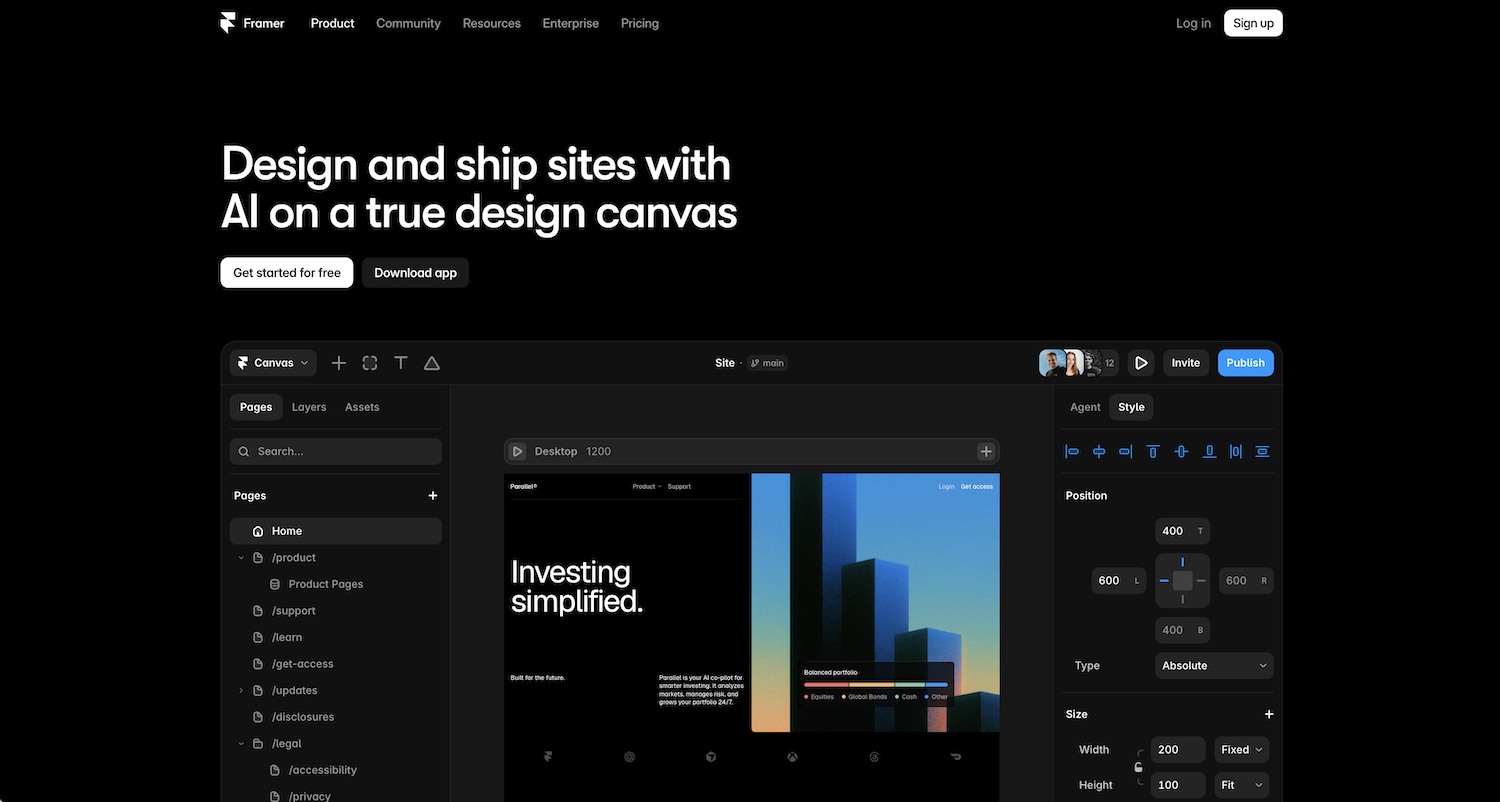
What it is: Framer is the platform that keeps showing up on designer portfolios and SaaS marketing sites, and there is a reason for that. It feels closer to working in Figma (a design tool like Adobe) than building a website, and the output reflects that: sharp, animation-rich, and noticeably faster-loading than most builders on this list. It is the "cool kids" platform of 2026, and I mean that as a genuine observation rather than a dismissal.
Like Webflow, I want to be honest about who this is for before we get into pros and cons. Framer rewards people with a design eye. If you do not have one, the freedom it gives you will work against you the same way it does on Wix.
Pricing: Free plan available, Basic $12/month, Pro $35/month, but custom domain is only available with Basic and above.
Realistic cost: No native scheduling, email, or booking tools, so those all come on top. Realistic monthly for a creative or personal brand:
Basic plan (annual): $12
Calendly or Acuity: $0 to $16
Google Workspace business email: $7
Domain renewal: approx $2
Realistic monthly: $21 to $37
✅ Pros:
The best-looking output of any visual builder on this list, full stop. If visual first impressions matter for your audience, Framer delivers
Stunning animations and scroll interactions built in, without needing plugins or custom code
Fast hosting with load times that consistently outperform Squarespace and Wix, which benefits SEO
Strong template ecosystem with genuinely modern, non-generic designs
Editor seats included in plan pricing, unlike Webflow which charges per collaborator
Code export is possible, so you are not fully locked in
Annual plans include a free custom domain for Year 1
Generally easier to pick up than Webflow if you have used Figma before
❌ Cons / Why people regret it:
No native e-commerce. Selling anything requires embedding Shopify, Gumroad, or Lemon Squeezy, which adds complexity and external transaction fees
No native scheduling, email marketing, or memberships. Every tool is a separate subscription and a separate integration
The Figma-style interface is intuitive for designers but genuinely confusing for true beginners. The freedom is the problem, not the solution
CMS and blogging are noticeably weaker than Squarespace or Webflow. Fine for a marketing site, limiting for a content-heavy business
Newer platform with a smaller community. Fewer designers to hire if you need help, fewer tutorials when you get stuck
Better suited to marketing sites and personal brands than full business operations with bookings, courses, and email lists
Who it's best for: Aesthetic-conscious solopreneurs, modern personal brands, designers, creative consultants, and anyone whose audience judges them by visual taste. Especially good for SaaS-style marketing sites and high-end personal brands.
Who it's not for: True beginners, service businesses that need scheduling and email baked in, or anyone who wants to manage their own site without a design background.
Full disclosure: I have built a couple of personal sites on Framer, but do not build client sites on Webflow myself. As a designer and small business owner myself, I find that ease of use is still more important than having designer-level output.
Open-Source Platforms
7. WordPress
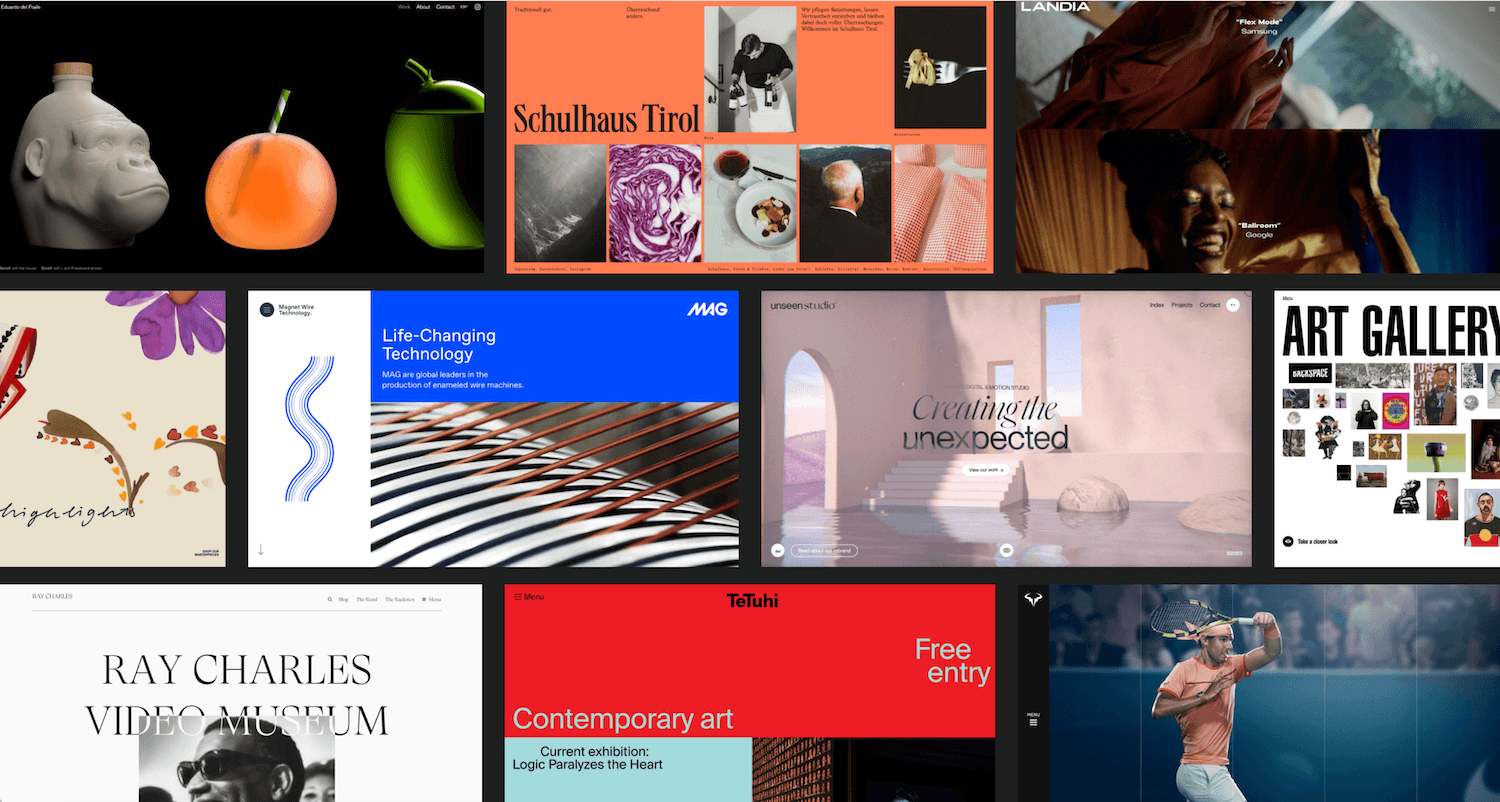
What it is: WordPress is free, open-source software that powers more than 43% of the entire internet. You install it on your own hosting and build it out with themes and plugins. It offers more flexibility and more ownership than anything else on this list, and it asks more of you in return.
Here’s where I think it gets misleading. "It's free and it's the most popular" is true, and it is also missing the point. Free software is not the same as a free website. The real cost shows up in hosting, plugins, your time, or someone else's invoice.
Pricing: The software itself is free. A realistic small-business setup includes:
Hosting: $3 to $30/month
Domain: roughly $15/year
Premium theme: $50 to $100/year
Premium plugins: $100 to $400/year
Professional email: $6+/month
Realistic cost: All-in, DIY:
Hosting: $15
Theme and plugins (annualised): $25
Business email: $7
Domain (annualised): $1
Realistic monthly: $35 to $50
A professionally built WordPress site runs $1,500 to $5,000 or more upfront, on top of the ongoing costs above.
✅ Pros:
You own everything. No platform can change pricing on you or shut you down
Unmatched flexibility. 59,000+ plugins can extend WordPress to do literally anything
Best-in-class SEO when set up properly
Scales to any size, from a small blog to a Fortune 500 site
Huge community, endless tutorials, every problem has been solved by someone before
Best long-term economics for content-heavy sites, because you own the SEO juice forever
Themes and plugins available at every price point including hundreds of free, high-quality options
❌ Cons / Why people regret it:
You are now the IT department. Updates break things, plugins conflict, security patches need installing
The "free" headline price is deceiving. Real costs add up fast with decent themes, good plugins, and maintenance time
Steeper learning curve than any other builder on this list
Most beginners who pick WordPress "because it's free" either pay a developer to fix it or migrate to other platforms eventually
No native scheduling, courses, or email marketing. All add-ons that need configuring
Security is your problem. WordPress sites get hacked daily because owners don't update plugins
Performance optimisation often requires a separate caching plugin or premium hosting
Who it's best for: Bloggers and publishers who care about SEO ownership, people building complex membership or content sites, and anyone planning to hire a developer to build and maintain. Also great as the blog engine paired with Showit.
Who it's not for: A non-technical solopreneur who just wants their website to exist and stop being something they have to think about, or who doesn’t want to hire and be dependent on a developer all the time.
Full disclosure: I have not built a client site on WordPress, though I have worked within it as part of a course. My take here comes from that hands-on experience combined with testing and research.
All-in-One Platforms for Coaches and Course Creators
8. Kajabi
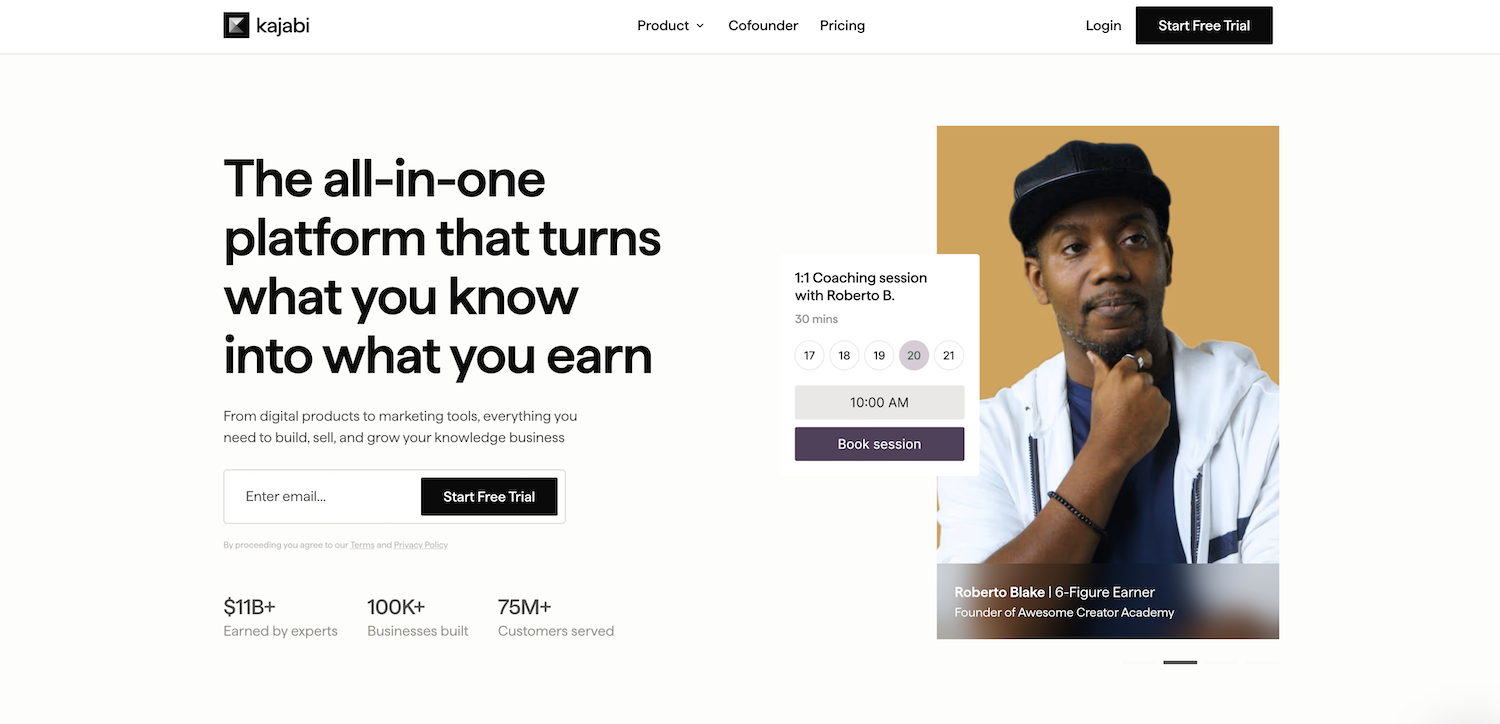
What it is: Kajabi is the premium all-in-one for course creators and coaches. Website, courses, email marketing, sales funnels, community, and on the top tier, a branded mobile app, all under one platform. The pitch is that it replaces five or more separate tools, and for the right person at the right stage, it genuinely does.
The word that keeps coming up when I read about Kajabi is "polish." It is not the cheapest way to deliver a course. It is often the most professional-feeling way, both for you and for the people paying you.
Pricing: Basic $143/month, Growth $199/month, Pro $399/month (annual billing). Third-party payment fees range from 0.5% to 2% depending on tier if you use a provider other than Kajabi Payments.
Realistic cost: Kajabi is close to being the full cost itself, since it replaces most other tools. Realistic monthly for an established coach:
Basic plan: $143
Business email: $7
Domain renewal: approx $2
Realistic monthly: $150 to $155, plus transaction fees if not using Kajabi Payments
✅ Pros:
The most polished student and customer experience of any course platform on this list
Truly all-in-one, with no need to stitch together Zapier automations between separate tools
Strong built-in community features, which would otherwise mean paying for Circle or Mighty Networks separately
A branded mobile app on the Pro tier is a genuine premium touch. Your courses appear on iOS and Android under your own name
Replaces five or more subscriptions: website, email, course delivery, funnel builder, and community
Integrated payment processing through Stripe and PayPal
High-quality default templates that do not need much design work to look professional
❌ Cons / Why people regret it:
Expensive. $143/month is the realistic entry point, and I have seen people sign up before they have a single paying customer
Page builder is less intuitive than dedicated funnel tools like ClickFunnels, which is a fair trade for the all-in-one convenience but worth knowing upfront
Limits on lower tiers feel restrictive once you are actually using the platform, particularly around product count and custom domain access
Overkill if you are not yet earning. You end up paying for capacity you cannot use yet
Migrating to or from Kajabi is genuinely difficult due to how deeply integrated everything is. Once you are in, moving out is a real project
Who it's best for: Established coaches and course creators making meaningful revenue already, who value polish and consolidation over price, and want everything under one professional roof.
Who it's not for: Anyone validating a course idea, early-stage creators, or anyone pre-revenue. Start cheaper and migrate to Kajabi later if the business earns its way there.
Full disclosure: I have not built on Kajabi myself. This is based on testing, reviews, and reputation within the course creator community.
9. Podia
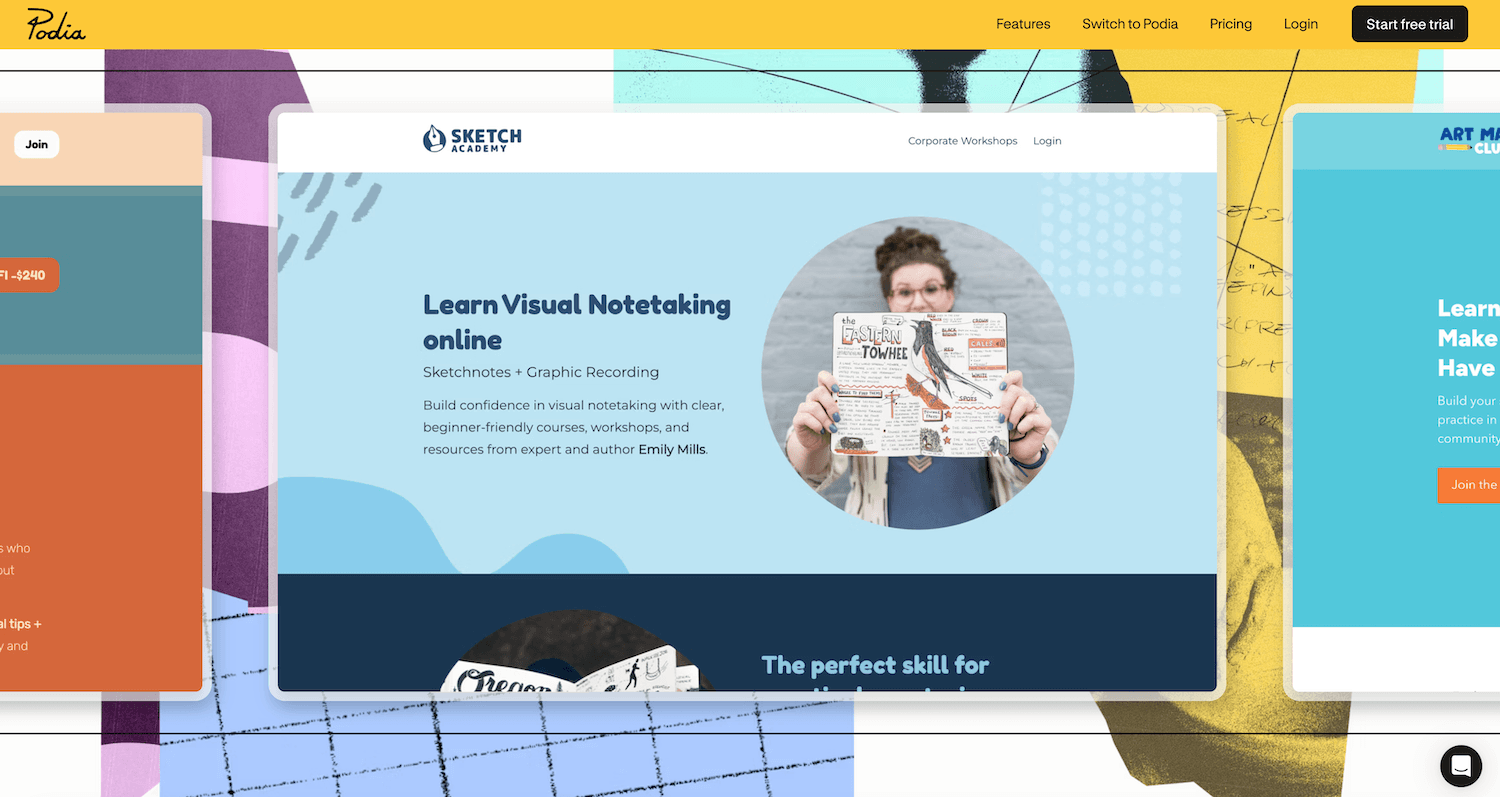
What it is: Podia is the simplest all-in-one for selling courses, digital downloads, and coaching. There is no long onboarding process and no steep learning curve. The interface feels like it was designed for someone launching their first product, not a marketing team.
I think Podia is underrated precisely because it does not try to be everything. Kajabi wants to replace your entire tech stack. Podia just wants to help you sell your first course without a spreadsheet of subscriptions.
Pricing: Mover $42/month (5% transaction fee), Shaker $84/month (no transaction fee, adds affiliates and team features).
Realistic cost: Podia includes email marketing and native scheduling, so the add-on list is short. Realistic monthly for a first-time course creator:
Mover plan: $42
Business email: $7
Domain renewal: approx $2
Realistic monthly: $50 to $52, plus 5% of course revenue until you upgrade to Shaker
✅ Pros:
Easiest learning curve of any course platform on this list. You can potentially launch in a weekend
Decent email marketing built in, so you are not paying for Kit or Mailchimp on top just to get started
No transaction fees on the Shaker plan, which matters once revenue grows
Sells courses, digital downloads, coaching sessions, and webinars all from one place
30-day free trial, a generous window to actually test it with real content
Clean, modern customer-facing experience that does not feel like a budget tool
❌ Cons / Why people outgrow it:
The 5% transaction fee on Mover is small at first and painful at scale. On a $1,000 programme, that is $50 per sale
Email marketing is functional but light on automation. No advanced sequencing or behavioural triggers if your marketing gets more sophisticated
Less depth than Kajabi for community features, course design flexibility, or analytics
No mobile app for students, which Kajabi offers on its Pro tier
Page builder and template library are more basic than Kajabi's
Who it's best for: First-time course creators, coaches launching their first programme, and anyone who values simplicity and speed over feature depth.
Full disclosure: I have not built on Podia myself. This is based on testing, reviews, and reputation within the course creator community.
10. Systeme.io
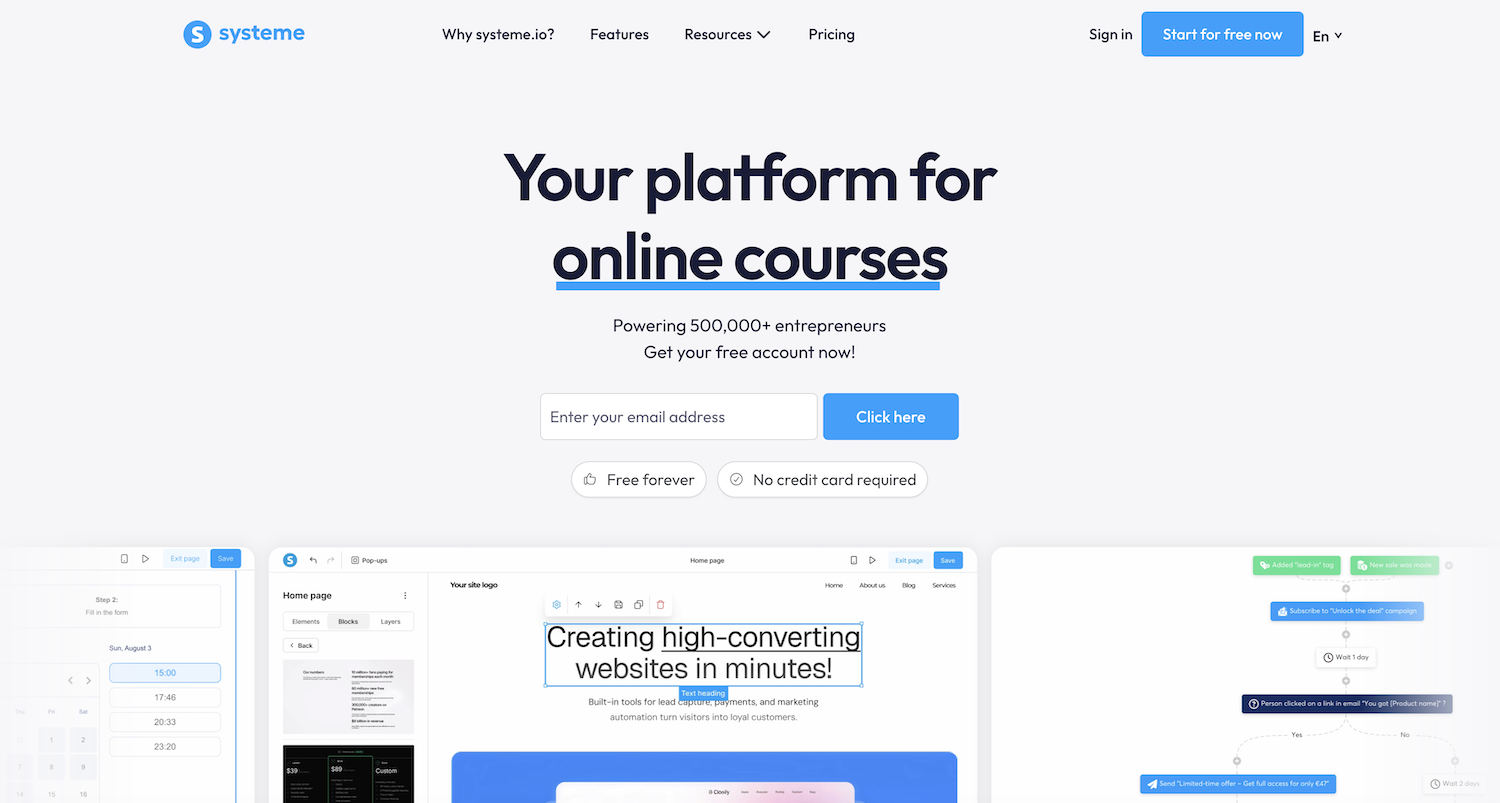
What it is: Systeme.io is a budget-priced all-in-one covering funnels, email, courses, automations, and affiliates, with a free plan that is actually usable rather than a stripped-down teaser.
I think that comparison is fair as far as feature checklist goes, and less fair once you look at polish. Systeme.io gets you most of the functionality at a fraction of the cost. What it does not give you is the same finished, premium feel. Whether that trade-off matters depends entirely on what you are selling and to whom.
Pricing: Free (2,000 contacts, 1 course, no transaction fees), Startup $17/month, Webinar $47/month, Unlimited $97/month (annual billing).
Realistic cost: Systeme.io includes email, scheduling-adjacent funnel tools, and course hosting, so the add-on list is genuinely short. Realistic monthly for someone validating a course idea:
Startup plan: $17
Business email: $7
Domain renewal: approx $2
Realistic monthly: $26, or $0 to start on the free plan entirely
✅ Pros:
Best free plan of any all-in-one on this list. It is genuinely usable, not a crippled trial dressed up as a free tier
At $17/month you get features that cost $143 or more on Kajabi
Zero transaction fees on every plan, including free
Unlimited email sends on paid plans, versus Kajabi's send-volume metering
A/B testing built in, which Kajabi does not offer at any tier
Supports payment gateways like Razorpay and MercadoPago, which matters if you have customers outside the US and Europe
Built-in affiliate programme even on lower tiers
❌ Cons / Why some people don't love it:
The interface feels utilitarian rather than premium. Your customers will notice, especially if they have used Kajabi before
Course delivery is functional, not polished. If you are selling a $2,000 programme, the cheaper feel may affect how it is perceived
Page templates take real work to make look high-end. You can build anything, but nothing arrives looking finished
Smaller ecosystem of integrations than Kajabi
French company behind the platform means some support content and tutorials show signs of translation
Who it's best for: Anyone validating a course idea, launching their first paid offer, or running a coaching business on a tight budget. Hard to beat at the price.
Who it's not for: Established creators selling premium-priced programmes where the platform experience itself needs to feel high-end, or anyone who has outgrown validation and wants Kajabi-level polish.
Full disclosure: I have not built on Systeme.io myself. This is based on testing, reviews, and reputation within the course creator community.
E-commerce-First
11. Shopify
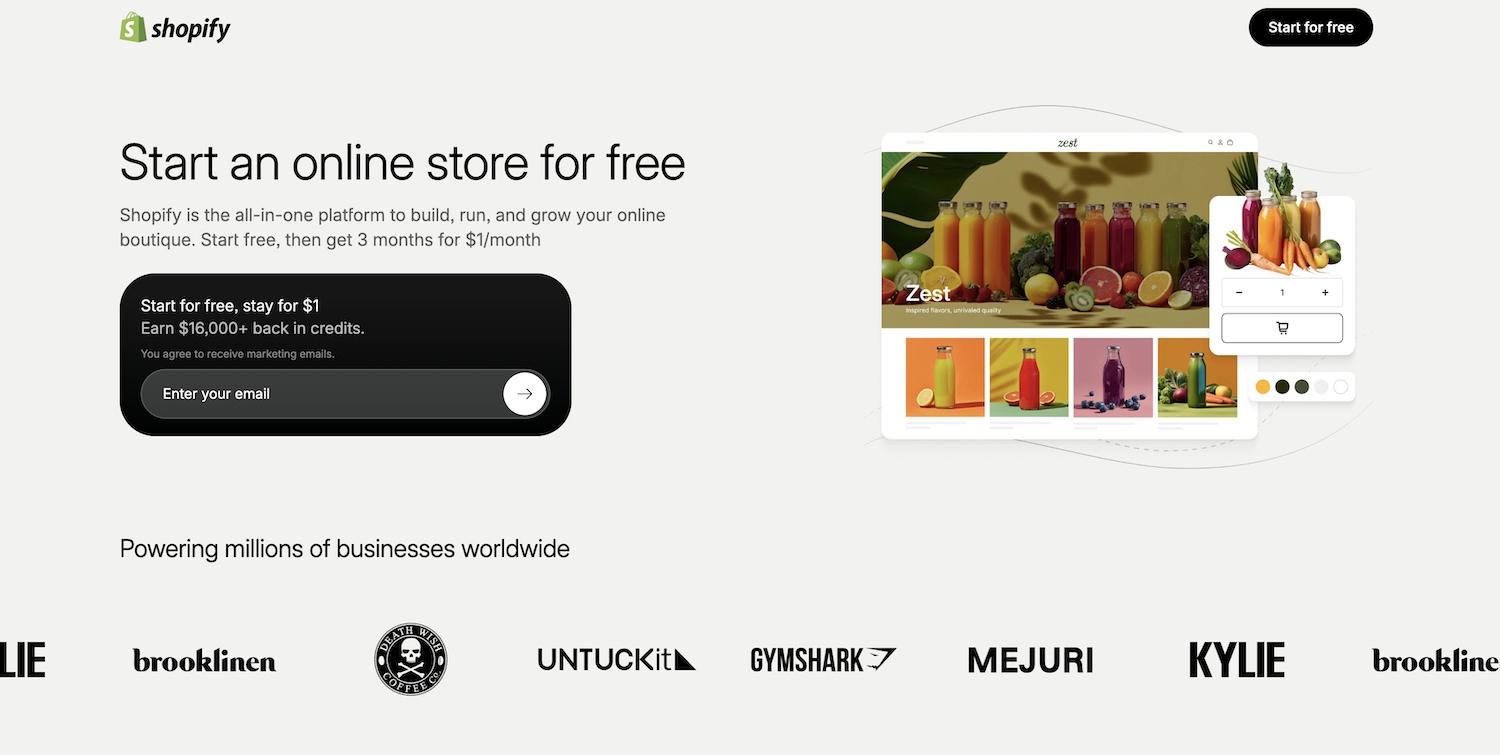
What it is: Shopify is the industry-leading e-commerce platform, and it earns that position. Multi-channel selling across Instagram, TikTok, and Amazon, point-of-sale for physical retail, and continued investment in AI-driven shopping experiences. If your business is selling products, Shopify is built specifically for that job in a way nothing else on this list matches.
The honest framing here is simple. Shopify is not a website platform that happens to sell things. It is a selling platform that happens to have a website attached. That distinction matters for who should choose it.
Pricing: Basic $29/month (annual), Grow $79/month, Advanced $299/month, Plus $2,300+/month. Transaction fees of 2.9% + $0.30 apply with Shopify Payments.
Realistic cost: A store just starting out can run lean using free-tier apps for reviews and relying on Shopify's built-in shipping and email tools. Realistic monthly for a new product seller:
Basic plan: $29
Business email: $7
Domain renewal: approx $2
Realistic monthly for a starting store: $38 to $40
✅ Pros:
Best checkout experience in e-commerce, with conversion rates that outperform every other platform on this list
Massive app ecosystem. Whatever feature you need for selling almost certainly already exists as an app
Multi-channel selling built in across Instagram, TikTok, Amazon, and in-person POS
Reliable and secure at any scale. The same platform takes you from your first sale to millions in revenue
Strong analytics and reporting out of the box
Best-in-class inventory and order management
Excellent fraud protection built in, which matters more than people realise until they need it
❌ Cons / Why people overspend on it:
The app trap is real, but it is a growth-stage problem, not a starting-out one. A lean store can launch on free tiers, but most stores that scale end up paying $50 to $300 or more a month once they add email, reviews, subscriptions, and upsell apps
Premium themes cost $250 to $400 one-time, and most decent-looking Shopify stores use one
Transaction fees of 0.5% to 2% apply on top of the gateway's own fees if you use a payment processor other than Shopify Payments
Overkill if e-commerce is a small part of your business. A coach selling one $50 ebook does not need Shopify
Customising beyond the theme editor requires Liquid, Shopify's templating language, which is a developer's job
Page builder is noticeably weaker than Wix or Squarespace for non-product content like blog posts or about pages
Who it's best for: Anyone whose primary business is selling physical or digital products at scale. Direct-to-consumer brands, makers doing meaningful monthly revenue, and multi-product stores.
Who it's not for: Service businesses, coaches, and consultants who sell occasionally. Shopify is genuine overkill for a business that is not primarily a store.
Full disclosure: I have not built on Shopify myself. This is based on research and reviews.
AI Website and Build Tools
A quick reminder before diving in: these three tools are not interchangeable. Durable generates a finished website from a prompt. Lovable generates working code for sites and app-like experiences. Claude Code is a developer tool that writes and edits real code. The category groups them together because they all use AI as the core interaction, but what you actually get out of each one is very different. I've flagged this in each profile.
12. Durable
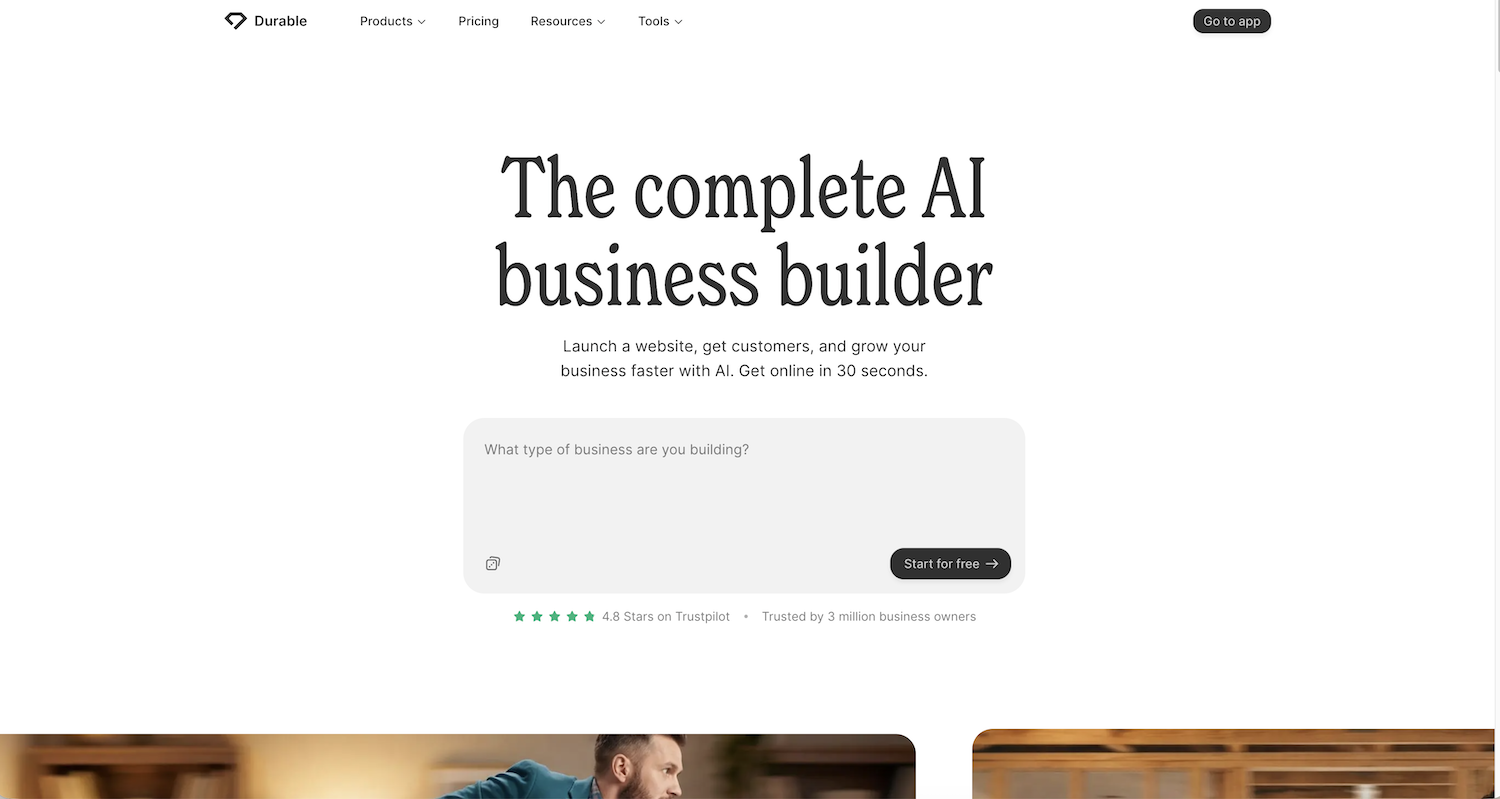
What it is: An AI website builder marketed as "site in 30 seconds." Built specifically for service businesses (contractors, consultants, local professionals). Includes a basic CRM and invoicing.
Pricing: Launch plan at $22/month, with a free custom domain included.
Realistic cost: Durable bundles scheduling and skips separate hosting or domain costs, so the add-on list is genuinely short. Realistic monthly:
Launch plan: $22
Business email: $7
Realistic monthly: $29
✅ Pros:
Genuinely the fastest "I need a site" to "live site" experience, under a minute in testing
Built-in CRM and invoicing, which are useful for service businesses
AI handles all design decisions, removing the overwhelm for beginners
No technical setup at all. Domain, hosting, SSL all included
Cheaper than Wix or Squarespace
Great for testing an idea before committing to a bigger platform
Mobile-responsive output by default
❌ Cons / Why people don't stick with it:
The output is generic. Two people using Durable end up with visually similar sites
Low customisation ceiling. What AI generates is roughly what you get
Limited business features. Basic blog, no real e-commerce, no native course or membership functionality
You'll outgrow it within 6 to 18 months once you want more sophistication
Closed platform, with painful export and migration
Smaller ecosystem of help, tutorials, and templates
Less polished than Framer for design-focused brands
Who it's best for: A solo business owner, or local consultant who needs a "we exist and here's how you can contact us" site immediately and doesn't care about uniqueness.
Who it's not for: Anyone building a personal brand where the site is part of how clients perceive you.
Full disclosure: I haven't built on Durable personally. This is based on testing reviews and the platform's known positioning.
13. Lovable
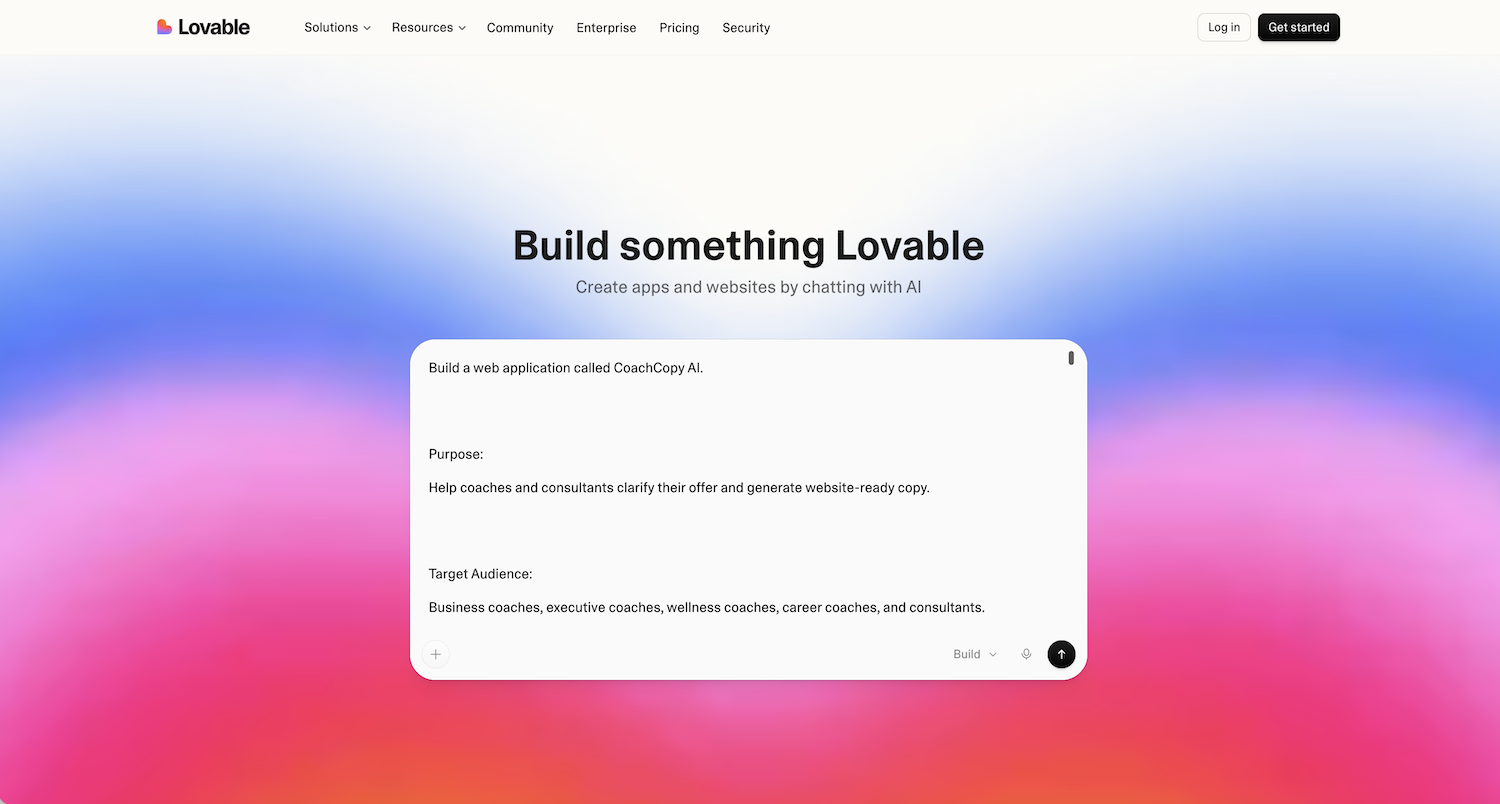
What it is: Lovable is an AI tool that generates real working website from plain-English prompts. You describe what you want, and it builds a full-stack app or site you can deploy. This is closer to an AI app builder than a website generator.
I want to spend more time on this one than the others, because the hype around AI vibe coding is real, and it is also actively misleading for the audience this post is written for.
Pricing: Free tier with limits, paid plans starting at $21/month (annual billing). Pricing is credit-based, so every prompt and every change uses credits. Heavy iteration burns through your allowance fast.
Realistic cost: Hosting is included in paid plans, so the ongoing cost is mostly the subscription itself plus whatever credits you burn through.
Pro plan: $21
Business email: $7
Domain: approx $2
Realistic monthly: $30, plus unpredictable credit usage during active development
✅ Pros:
Genuinely magical for prototyping. A working app in 30 minutes from a plain description
No off-the-shelf platform offers this level of custom flexibility
You can build truly unique tools such as quizzes, calculators, or member portals that no template can replicate
Free tier lets you experiment before committing any money
Code can be exported and deployed anywhere, so there is no platform lock-in
Best AI builder for technical founders who want to ship something fast and iterate
❌ Cons / Why most people shouldn't use it yet:
Generic output without skilled prompting. "Build me a coaching website" produces a generic coaching website. Output quality is directly tied to how well you plan and prompt, and most non-technical users only discover this after they have already spent hours
Credits add up fast. Every small change, from resizing a button to adjusting a colour, uses credits. Real users report spending $50 to $100 or more in a single active development session
The first few minutes feel like magic, and the next few hours expose the gaps. Independent testing consistently lands on the same conclusion: AI builders produce impressive demos, but production-ready apps still need a developer for the last stretch, things like authentication, edge cases, and proper database design
No built-in business features. No native email marketing, payments, scheduling, or SEO tools. Building from scratch is the whole point of the tool, but it is also a lot of work that Squarespace gives you for free
If you cannot code, you cannot debug. When something breaks, and it will, AI explanations only go so far before you are genuinely stuck
These tools are still young. There is no long-term certainty about what the landscape looks like in five years
Who it's best for: Tech-curious founders prototyping something genuinely custom, like a calculator, a quiz, or an internal tool, that no off-the-shelf platform offers. Designers who already know what they want to build and use AI to execute it faster, or if you just need a one-page portfolio website.
Who it's not for: A coach who needs a website. A consultant who books clients. A solopreneur selling courses. For all of these, a no-code platform gets you there faster, cheaper, and with far better long-term support.
The honest take: Vibe coding is the most exciting category in tech right now, and the most over-hyped for non-developers. If your goal is "I need a website for my coaching business," vibe coding is the long way around.
Full disclosure: I have tested Lovable but have not built a client site on it. This is based on hands-on testing, research, and what I see reported by developers and non-developers using it in the wild.
14. Claude Code
What it is: Claude Code is Anthropic's terminal-based AI coding agent. A developer tool that lives in your command line, navigates large codebases, and edits code through natural-language commands. It is not a website builder. It is an AI pair-programmer, and the distinction matters more than it might seem.
Pricing: Included in the Claude Pro plan at $17/month (annual billing). Higher tiers, Max at $100/month and $200/month, are built for heavier professional use.
Why it's in this post: "AI coding tools" often get lumped in with website builders in general conversation, and readers of this post keep asking whether it is an option. It deserves an honest answer rather than being ignored.
Honest verdict: For most of this audience, it is not. Claude Code assumes you are already comfortable with Git, the command line, software architecture, and debugging real code. It is built for developers, not coaches.
Realistic cost: Beyond the subscription itself, you also need somewhere to store the code and somewhere to host it. Realistic monthly:
Claude Pro: $17
Netlify Personal (hosting): $9
Business email: $7
Domain: approx $2
Realistic monthly: $35
GitHub's free tier covers version control at no cost, but Netlify's free tier only allows a limited number of deploys per month before your site pauses, which is not enough for active development. That gap, GitHub plus Netlify plus knowing how to connect them, is exactly the scaffolding most non-developers do not have.
That said, I recently built a working website in a single day using Claude Code, GitHub, and Netlify in an AI vibe-coding workshop. It is genuinely impressive once you have the technical scaffolding to use it. For non-developers, that scaffolding is the entire gap.
Who it's best for: Developers and developer-curious technical founders who write code and want AI as a power-tool collaborator, not a replacement for knowing how to build.
Who it's not for: Anyone without existing coding literacy who wants a website. This is the least appropriate tool on this list for that person, despite being one of the most powerful.
Three Mistakes I See Constantly
Before you pick anything, read this section. It is the part most "best of" comparison posts skip, and it is where most of the pain actually happens.
1. Underestimating the real cost
Everyone budgets for the headline price. Almost nobody budgets for the rest:
Domain renewal after Year 1 (around $20/year)
Business email ($7+/month)
Scheduling tool ($16 to $49/month if not bundled)
Email marketing ($0 to $70+/month)
Payment processor fees (2.9% + $0.30 standard)
Premium apps and plugins ($0 to $100+/month depending on the platform and stage of your business)
A "$16 Squarespace plan" is genuinely $40 to $55 a month in reality once you add the pieces above. A "$29 Shopify plan" can run as lean as $40 a month when you are just starting out, and closer to $80 to $200 a month once you add the apps a growing store typically needs. A "$143 Kajabi plan" plus transaction fees can land at $150 or more a month even before you are selling much.
Always plan for the real number, not the headline one.
I built a calculator that does this for you. You enter your situation, whether you sell products, need scheduling, and so on, and it shows you the real annual cost of every platform side by side. Link at the bottom of this post.
2. Picking a platform you'll outgrow in 6 months
Hostinger and Durable are great starters, but if you already know that within a year you will be running courses, automated emails, or membership content, start somewhere that grows with you. Migration is genuinely painful and often costs more than just starting on the right platform.
It is better to spend $40 a month on Squarespace from day one than to spend $4 a month on Hostinger for six months and then pay $1,500 to migrate to Squarespace later.
3. Chasing AI hype without a plan
AI website and build tools are genuinely impressive, but they reward people who already know what they want and can prompt well.
If you cannot sketch out your site on paper first, what pages, what offers, what flows, what brand, AI will give you something generic that you will end up throwing away. Worse, you will spend credits doing it.
For most small business owners, a no-code platform with a thoughtful template gets you a better result faster and cheaper than vibe coding.
The honest version of "I built a website in a day with AI" is usually "I built a generic-looking website in a day with AI, and then spent two weeks trying to make it not look generic."
The Final Recommendation
If you read nothing else, read this.
Most of the people I work with should pick Squarespace. Coaches, consultants, photographers, wellness providers, service businesses. The reason is simple. It is reliable, it is professional, the design features are good enough for almost any audience, and the native business features like scheduling, invoicing, and email marketing is sufficient for most service businesses.
If selling products is your main business, pick Shopify. Do not try to make Squarespace or Wix do what Shopify was built for.
If you are a course creator or coach with paying customers already, look at Kajabi. Do not pay their prices before you have revenue. If you are just starting, Podia or Systeme.io is a better entry point.
If you want a beautiful, modern-looking site and care about aesthetics more than features, look at Framer or Showit. Framer for marketing-led brands, Showit for portfolio-led creatives.
If you have budget for a designer and want pixel-perfect design control, look at Webflow.
If you want full ownership and do not mind learning, look at WordPress. Just be honest with yourself about how much time you actually want to spend maintaining a website.
If you are tech-curious and have a genuinely custom idea, explore AI build. Just understand what you are signing up for.
And whatever you pick, plan for roughly double the headline price. That is the realistic cost.
To make this concrete, I built a FREE calculator that shows you the realistic annual cost of each platform based on your specific needs. Input your situation, whether you book clients, sell products, need email, and see your real numbers side by side.
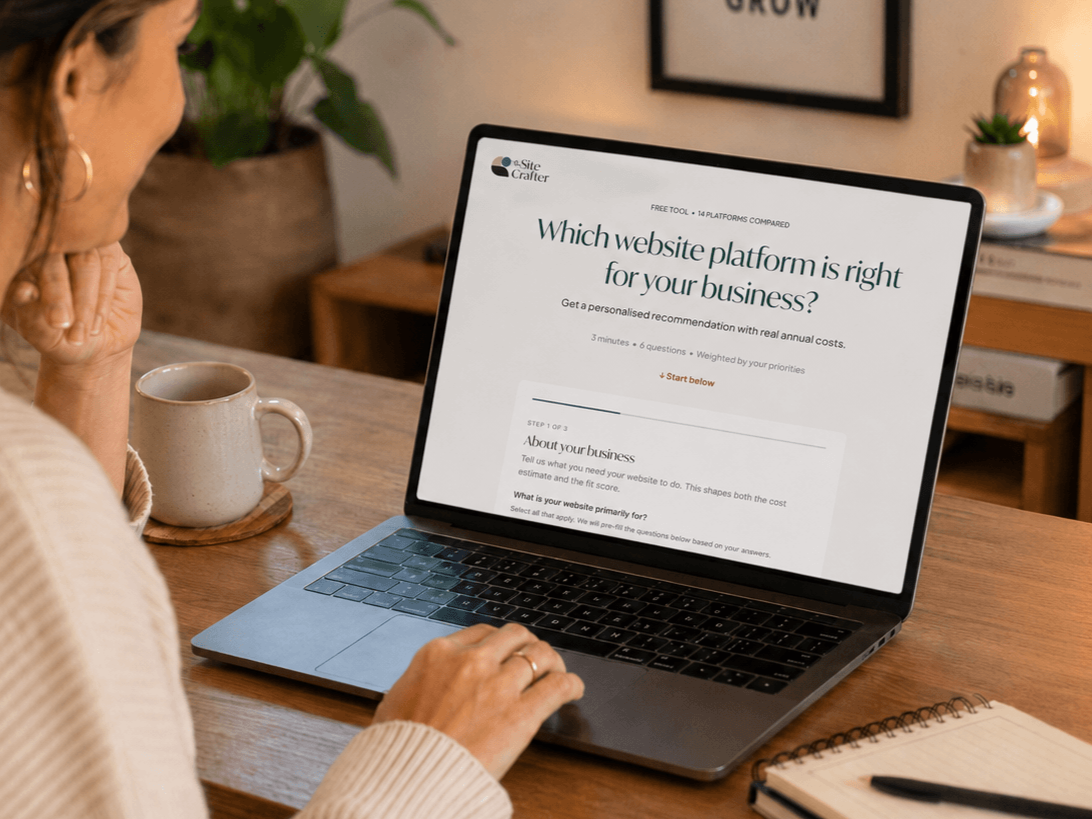
Which website platform is right for your business?
Get a personalised recommendation with realistic annual costs.